Install Tailscale VPN
Auto Install via RMM
We may choose to automatically install Tailscale via our RMM (Remote Managment and Monitoring) tools.
Install on Windows
Install on Windows 10 / 11 by downloading directly from Tailscale.com/download. Install the downloaded file when it completes.
Install on macOS
Download Tailscale for macOS from the Apple Mac App Store
https://apps.apple.com/us/app/tailscale/id1475387142?mt=12
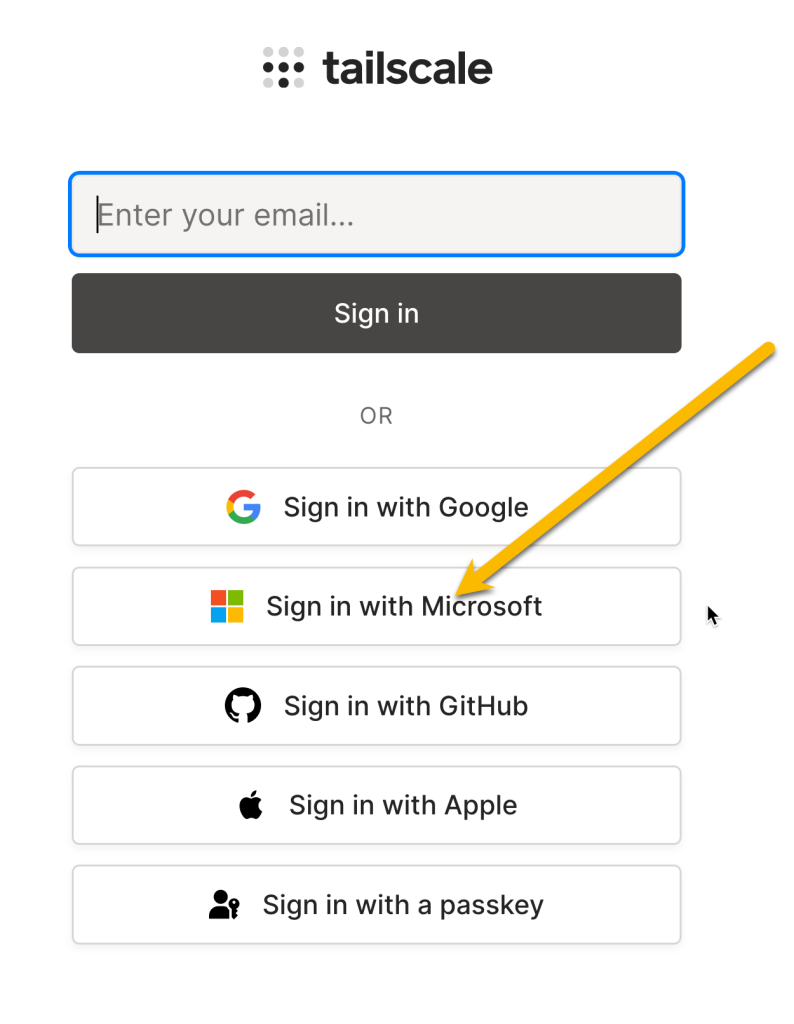
Login (Windows & Mac)
Please do not enter your email address directly in the field. Instead, click the Sign in with Microsoft button and log in using your company email credentials. Your Microsoft 365 account is required to automatically pair your device with the correct corporate VPN.