Install Tailscale VPN
Auto Install via RMM
We may choose to automatically install Tailscale via our RMM (Remote Managment and Monitoring) tools.
Install on Windows
Install on Windows 10 / 11 by downloading directly from Tailscale.com/download. Install the downloaded file when it completes.
Install on macOS
Download Tailscale for macOS from the Apple Mac App Store
https://apps.apple.com/us/app/tailscale/id1475387142?mt=12
Login (Windows & Mac)
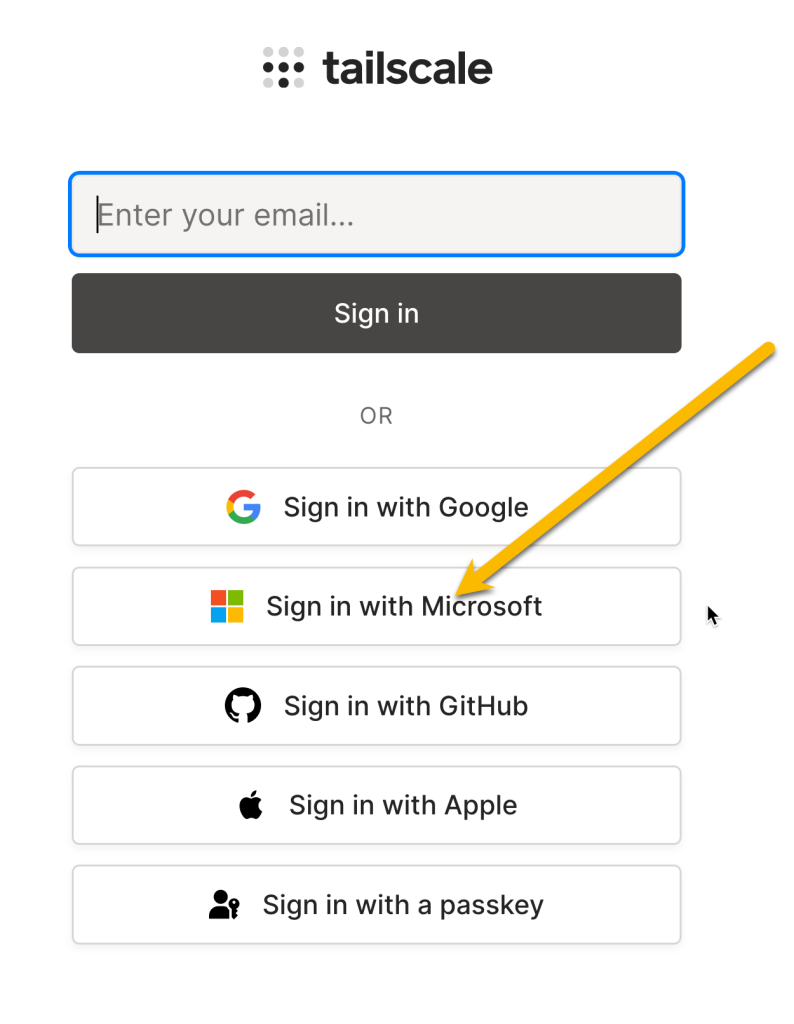
Don’t type in your email address here. Instead Click on the Sign in with Microsoft button. This Login to Tailscale using your Microsoft 365 account will ensure you get paired to the company Tailnet properly.